GeoSpy Explained: How AI Identifies Where Photos Were Taken
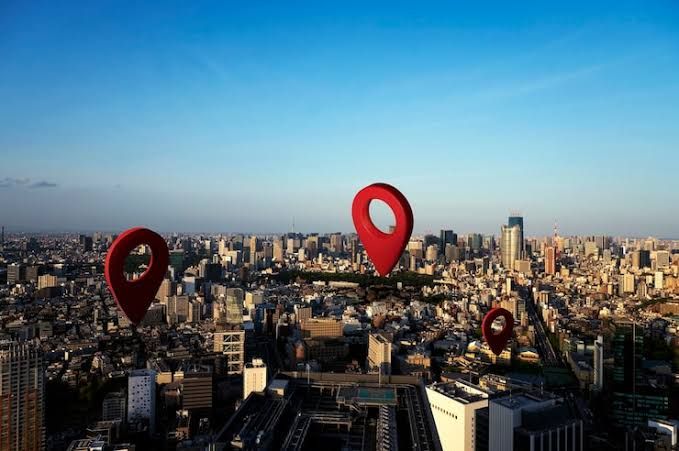
GeoSpy is an AI geolocation tool built to estimate where a photo was taken. It looks for visual clues in the image, then compares them with patterns found across maps, streets, landscapes, and public imagery.
The idea behind photo geolocation is simple, but the work is complex. Tools like GeoSpy can help people understand images faster, yet they also raise serious questions about consent, safety, and privacy in everyday media.
What Is GeoSpy?
GeoSpy is a photo analysis tool that uses artificial intelligence to suggest a likely location for an image. It does not need GPS data to work, which makes it different from basic metadata checks.
Instead, it studies what appears inside the frame. Roads, signs, plants, buildings, weather, mountains, road markings, and even the style of utility poles can all support image location detection.
How GeoSpy Works
GeoSpy works by reading a photo much like a careful human investigator would. The AI scans objects, architecture, terrain, language, shadows, and regional features, then ranks places that may match those signals.
- Visual clues: signs, roads, buildings, plants, coastlines, mountains, and vehicles.
- Context clues: weather, lighting, landscape type, language, and street design.
- Comparison data: public images, map patterns, and known regional features.
- Confidence signals: stronger matches appear when several clues point to the same area.
Key Features and Real-World Uses
The main value of GeoSpy is speed. It can turn a single image into a set of likely places, which helps journalists, researchers, safety teams, and curious users start their search with better context.
Common uses include checking viral posts, organizing travel photos, supporting open-source research, and helping teams assess images during breaking events. For more AI updates, see our news coverage, or explore related technology guides.
Benefits, Limits, and Future Potential
GeoSpy can save time, reveal hidden context, and support faster fact-checking. It may also help people find lost photo locations when GPS tags are missing or removed.
Still, it has limits. Similar streets, edited images, low light, old photos, and rural scenes can reduce accuracy. Future versions may improve with better map data, clearer confidence scores, and safer controls for sensitive images.
GeoSpy FAQ
Can GeoSpy find the exact address of any photo?
Does GeoSpy need GPS metadata?
Is AI geolocation safe to use?
Use AI photo tools with care
GeoSpy shows how powerful image analysis has become. Treat photo location results as leads, not proof, and protect personal images before sharing them.